
Tired of spending hours removing tricky backgrounds like hair or fur after a long shoot? Let image masking services handle the hard work! Focus on what you love—planning shoots and creative edits—while we perfect the soft edges for stunning, professional results.
✓ Consistent Results
✓ Bulk Production
✓ Marketplace Ready
5M+
Images Edited
12–24h
Typical Turnaround
3–5
Free Trial Images
24/7
Support
Precise image masking for hair, fur, soft edges and complex product details while keeping every edge natural.
Complex images need more than a basic path. Image masking lets us isolate difficult areas such as hair, fur, fabric, transparent objects and soft edges while still looking natural.
Using Photoshop image masking is a vital part of photo editing. It helps to remove backgrounds from soft items such as fuzzy clothing or human hair. This technique helps to outline the subject very precisely and preserving all the details when removing the background. It’s super helpful for complicated images where a basic clipping path won’t suffice. Learning the masking in Photoshop is a valuable skill for photo editors to ensure a smooth and natural background removal. It leads to top-notch and attractive images, very important for both professional and personal projects, to enhance the quality and impact of the edited photos.
✓ Fine hair and fur extraction
✓ Soft edge masking
✓ Complex product isolation
✓ Layered Photoshop delivery
We improve the visual presentation while keeping the product itself natural and accurate.

From delicate hair to transparent products, our Photoshop experts use the right masking technique for each image.
Hair Masking
Extract fine and loose hair while maintaining realistic strands and natural edge detail.
Fur Masking
Preserve individual fur edges and soft textures for pets, fashion and lifestyle photography.
Transparent Object Masking
Mask glass, bottles and other transparent products while retaining important transparency and highlights.
Layer Masking
Create editable Photoshop layer masks for flexible background and design changes.
Complex Object Masking
Accurately isolate complicated shapes, curves and irregular product edges.
Multi-Layer Masking
Separate multiple product components into editable layers for advanced commercial workflows.
We don’t simply remove the background. We build clean, usable masks that preserve the visual character of your original product or subject.
Hair, fur, fabric fibers and small product details are handled with appropriate masking techniques.
When required, masks can be delivered as editable PSD layers for your design and production workflow.
Process large image batches while following your approved masking style and quality requirements.



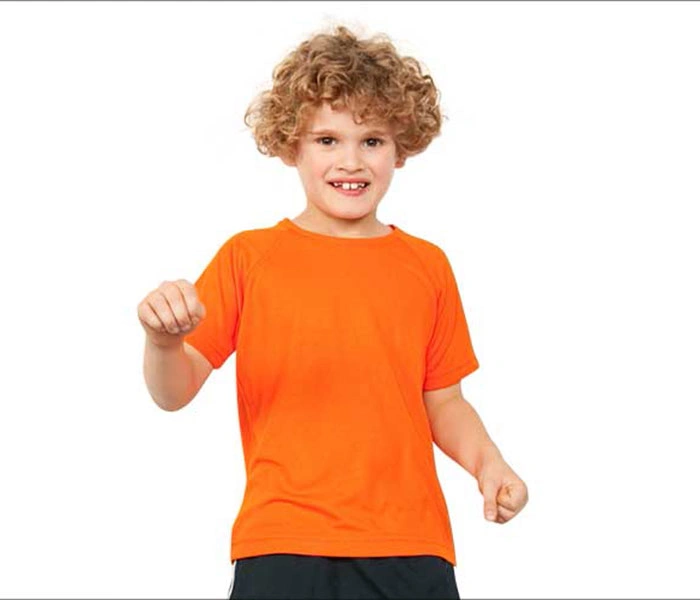

Photoshop image masking is a popular tool to edit photos. It helps remove backgrounds from soft things like fuzzy clothes, dolls, and human hair. This technique combines clipping path and advanced masking in one image, allowing precise isolation and manipulation without losing details.
It’s especially good at preserving fine hair strands, making background removal smooth without jagged edges. Overall, it needs high skill and expertise for pro and attractive results.

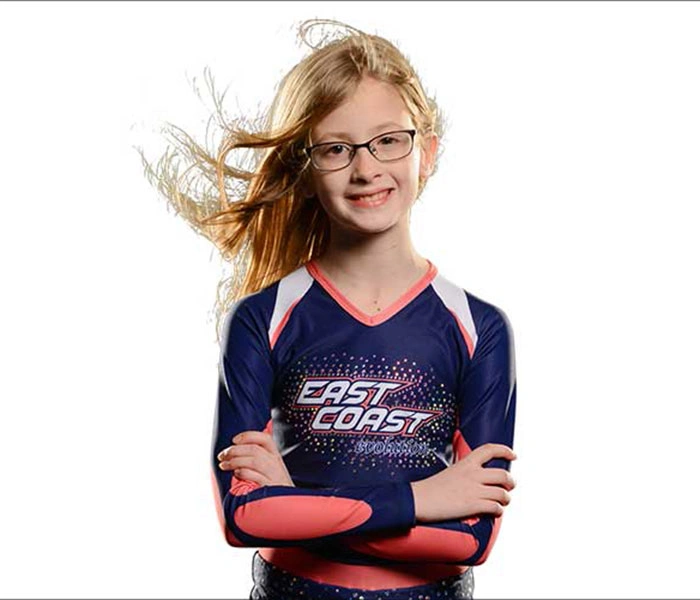
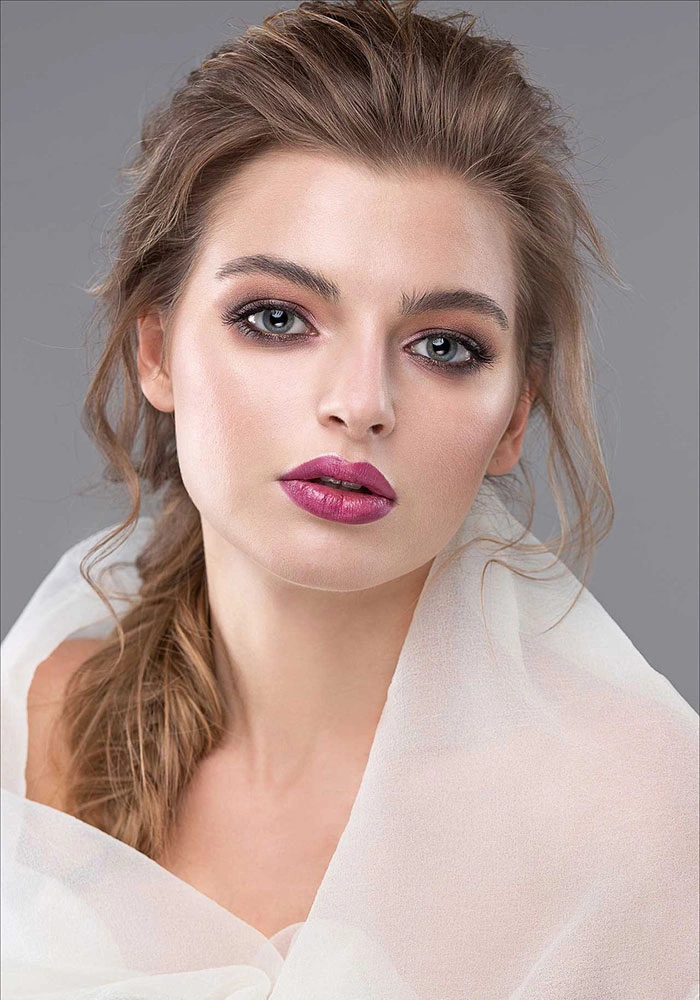
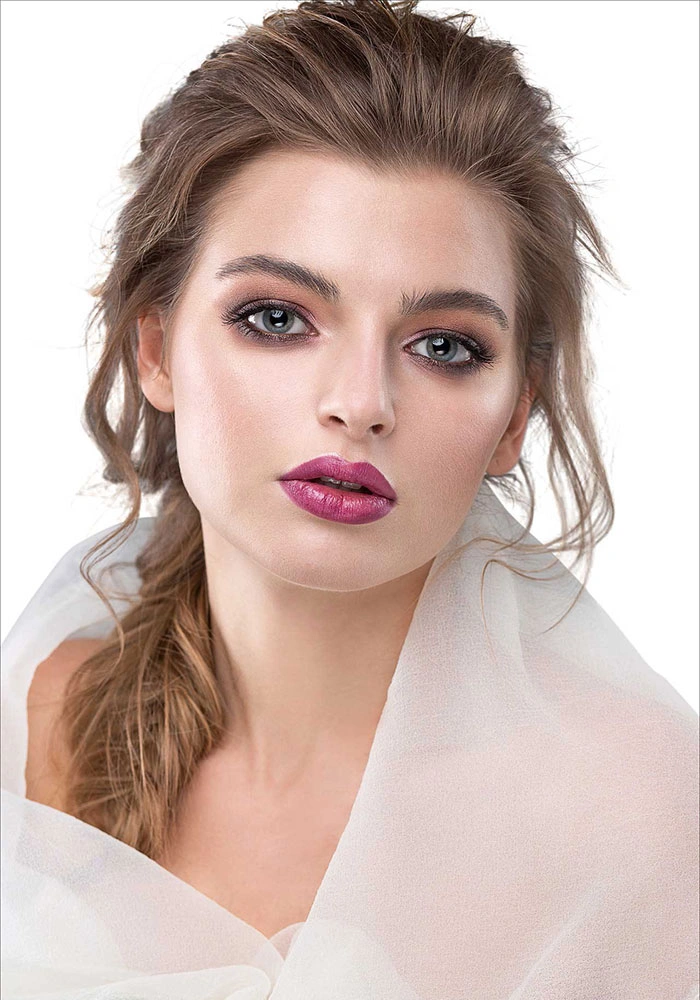
Photoshop image masking is a trick to remove or separate the background of a picture. It’s great for getting detailed things like hair or fur just right. This technique is super handy for tricky backgrounds or things with see-through parts. It’s like a flexible tool used for cool effects, fixing colors, and editing. It’s a big deal in fashion and ads, making product images better and more attractive.
Using fancy techniques like layer masks, alpha channels, and vector masks helps photographers and designers get exact and smooth results, even with challenging subjects. Plus, lets you edit without messing up the whole picture. It’s like making changes only where you want them, keeping the original picture safe.
Photoshop image masking services are handy for removing backgrounds and separating similar-coloured backgrounds. It keeps the image safe as an alpha channel, letting you tweak brightness, contrast, and more.
How well it works depends on how you use the brush – the size and pressure. But if you get it right, it gives a smooth and natural look. Editors need to be precise in adjusting the brush for a flawless result.

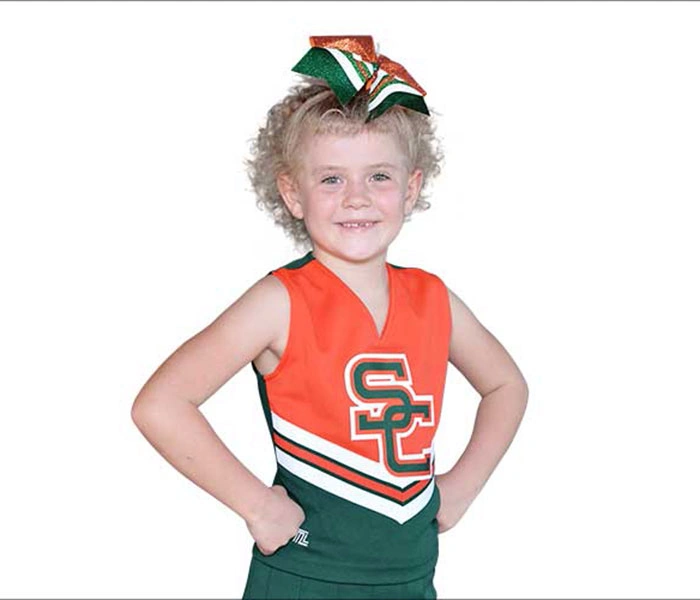
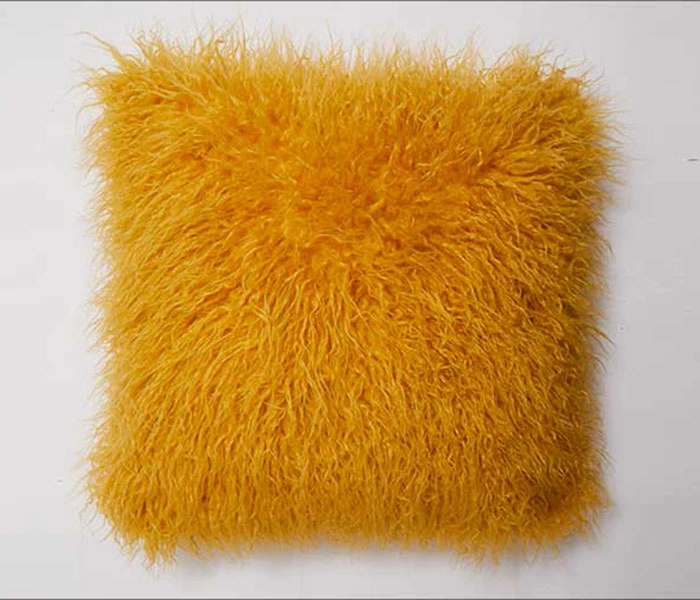
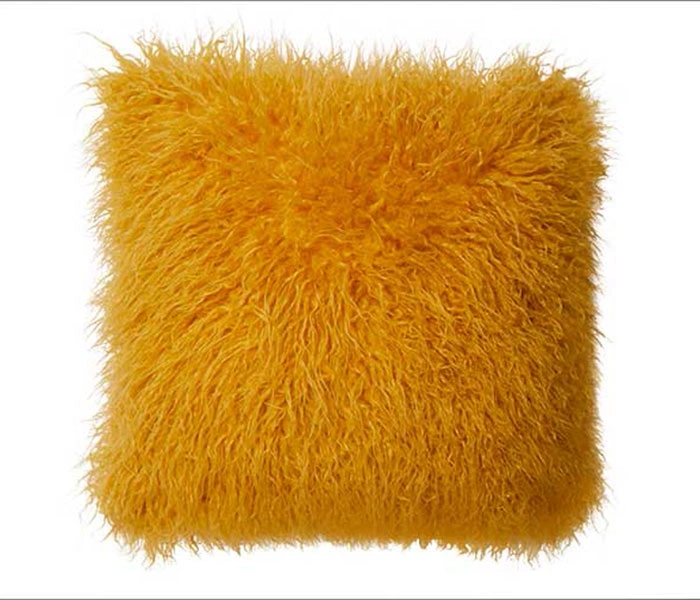
Photoexpertbd uses masking techniques to separate images with soft edges like fur, making sure the subject stands out from any background. We also take color, brightness, and contrast to make the image look better. With experience working for different agencies, they know how crucial it is to give top-notch photos.
Our skill in masking and editing tools helps them go beyond what clients expect, making us a trusted partner. You can check our service quality before ordering.
Refine edge masking is a Photoshop technique that uses the quick selection tool and layer masks to create soft, natural edges for tricky details like hair and fur. Ideal for complex objects, it also allows adjustments to color, brightness, contrast, and opacity (5% to 100%) for perfect results.
Commonly used in fashion, advertising, and product photography, this method helps create stunning visuals with seamless, professional finishes.
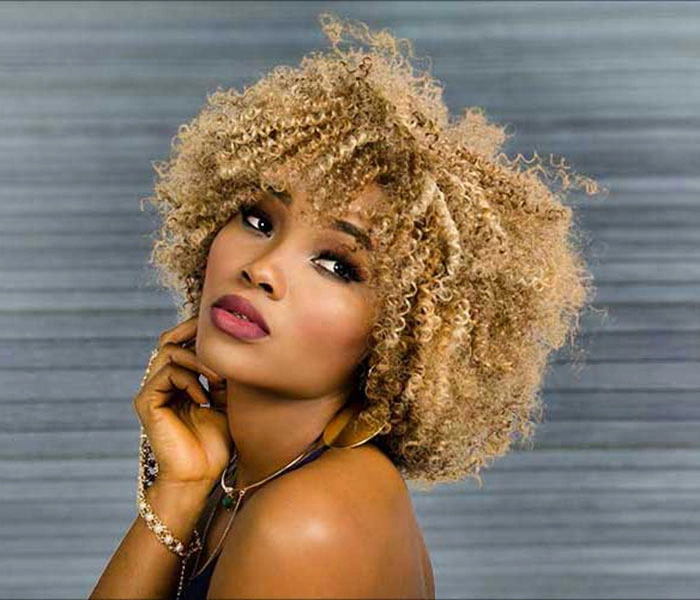
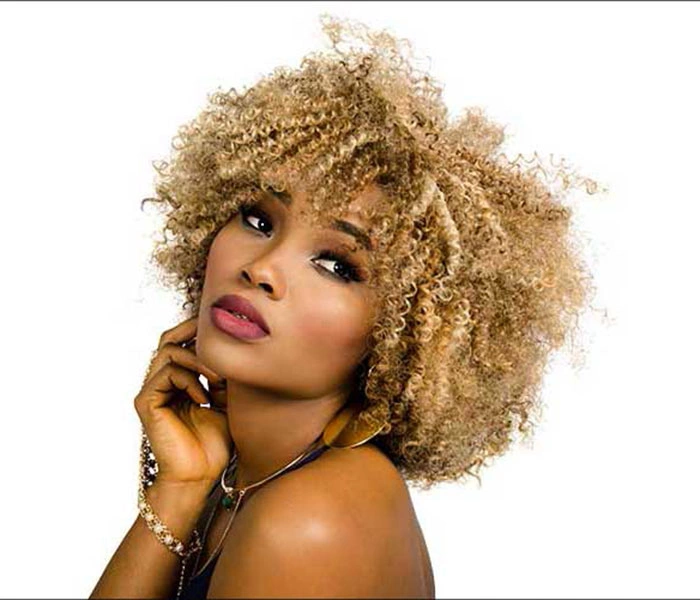
Every image goes through a structured editing and quality control process before final delivery.
01
Receive Image
Upload your original product or subject images.
02
Analyze Details
We identify complex edges, transparency and fine details.
03
Create Mask
Our editors create the appropriate Photoshop mask.
04
Refine Edges
We clean halos, jagged areas and unwanted background.
05
Quality Check
Final masks are reviewed before delivery.
Our image masking service follows a careful process for clean, natural results.


Our image masking workflow adapts to different products, complex edges, and e-commerce requirements.
Final pricing depends on image complexity, volume and turnaround requirements.
Image Masking allows to isolate products with intricate edges from the background.
We can carefully isolate hair, fur, feathers and other elements.
We can create clean product images with transparent background for you.
Our image editors can work with transparent, detailed and irregular objects.
We can prepare your images for shops and marketplaces.
We will return masked images in PNG, JPG, TIFF, PSD and other formats according to your request.
Test our masking quality with 3–5 images before starting your full project.